[My Account] Edit Profile
Automatically translated from Korean.
What you can do
You can change your profile picture, name, company name, and mobile number.
You can turn marketing email subscription consent on or off.
Your profile appears the same in every workspace you belong to.
How to do it
Click your name in the lower left and select “My Account.”
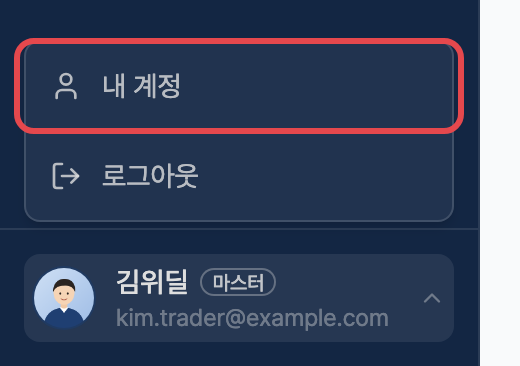
On a mobile phone, tap ☰, then tap the row with your name at the top of the menu.
In “Basic Information” on the “Profile” tab, edit the fields you want to change. To change your profile picture, tap the picture field and select a new photo.
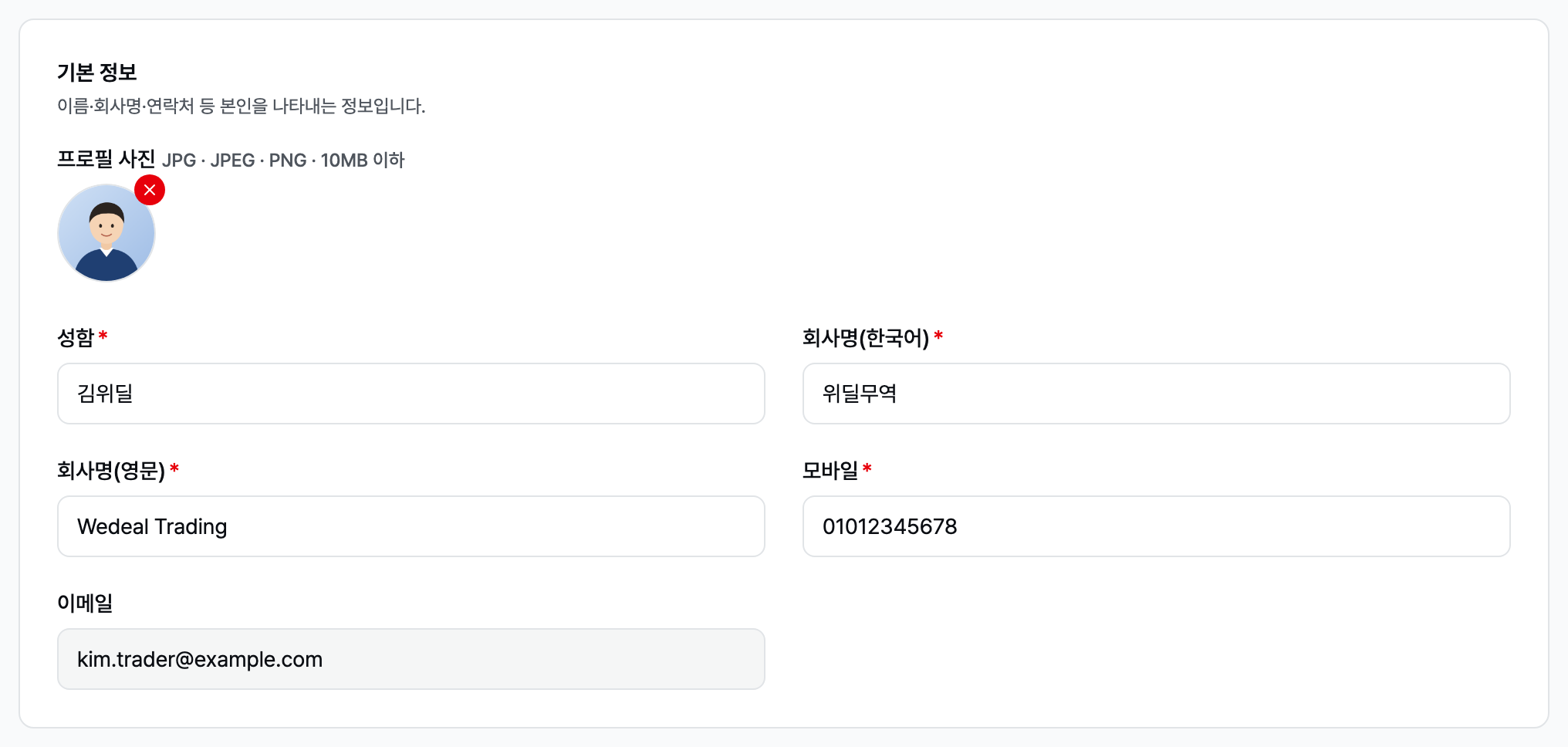
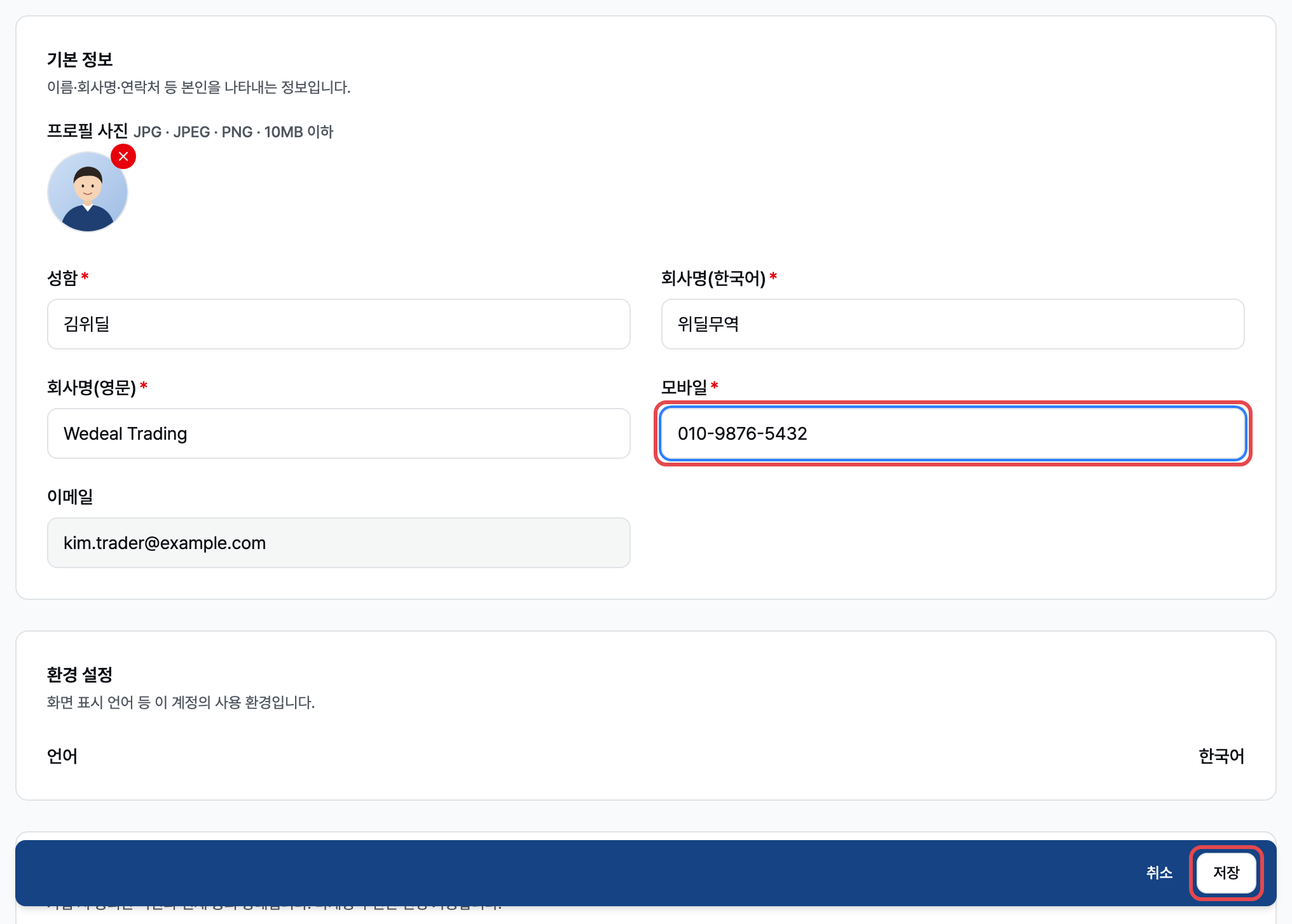
After making changes, a “Save” bar appears at the bottom of the screen. Click “Save.”
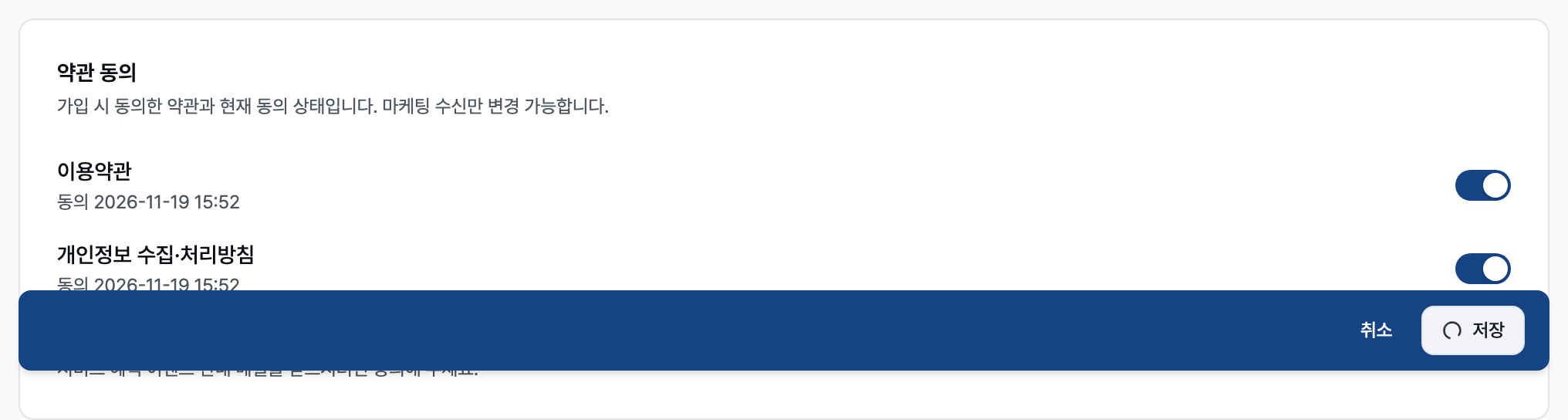
“Your profile has been updated.” appears.

You can turn marketing email subscriptions on or off using the “Marketing Subscription Consent” switch under “Terms and Consent.” The change takes effect immediately when you tap it.
Frequently asked questions
Why can’t I change my email address?
Your email address is your login ID, so it cannot be changed.
Can I turn off consent to the required terms?
No. The only consent you can turn off is marketing subscription consent. To withdraw consent to the required terms, you must delete your account.
Where can I change the screen language?
You can change it under “Language” in “Preferences.” If there is only one language available in the country where you signed up, only the language name is displayed, with no field to change it.

What file types are accepted for profile pictures?
Upload a JPG, JPEG, or PNG file of 10MB or less. Your selected picture will not change until you click “Save.”
Is this different from the company name in the company information?
Yes. The company name here belongs to your account. To edit the workspace company name, go to “[Company Information] Register Company Information.”