For this US expansion, how do you find a local fulfillment center?
You search for local warehouses yourself, compare them and sign contracts separately.
Connect fulfillment centers in the countries you need,
and manage everything from stock by country to cross-border outbound in one place.
Leave your details and we will email you the brochure. You can also request a consultation.
You search for local warehouses yourself, compare them and sign contracts separately.
Each warehouse sends stock reports in a different format, and you merge them again in a spreadsheet.
You match Korean center outbound and overseas center inbound records in a spreadsheet.
Each country has its own warehouses and ways of working, so every new country adds more places to manage.
From center connection to stock by country and cross-border outbound, it all continues on one screen.
No finding or contracting local warehouses — use centers in the countries you need right away.
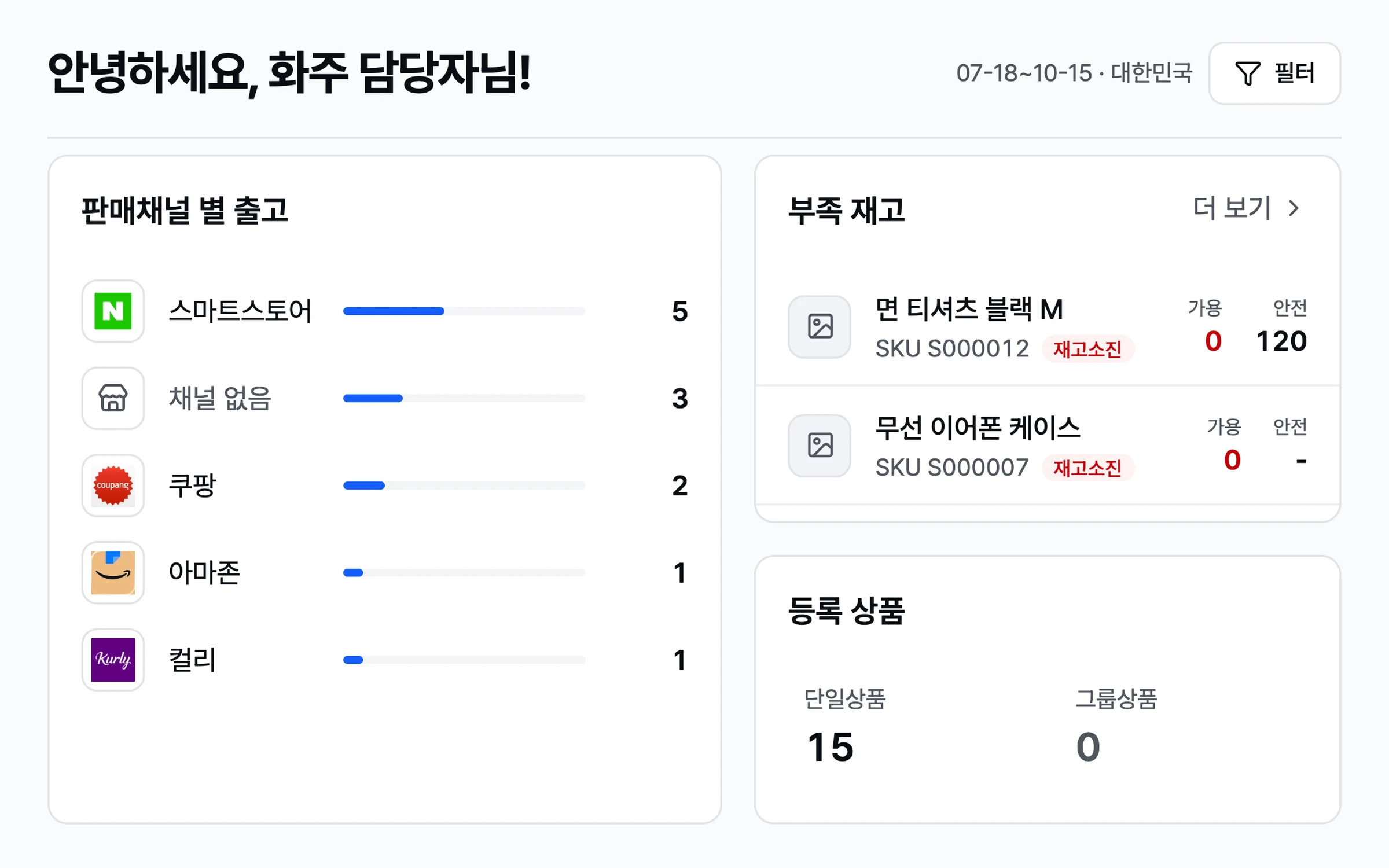
No merging in spreadsheets — manage stock, inbound/outbound and returns by country in one place.
No need to reconcile cross-border outbound and local inbound records; the outbound number links them.
Center connection
Once you decide where to expand, start operating right away at WeDealize centers.
Compare each center’s operating conditions and choose the right one before you connect.
Stock by country
No merging warehouse reports in spreadsheets — see each country’s operations at a glance.
Separate stock by center and management date to plan your outbound.
Cross-border outbound
An outbound made from the Korean center stays linked to the overseas inbound by its outbound number.
Small cargo by express, large cargo by forwarding — keep cross-border moves going without arranging transport separately.
More you can do
When you ship from an overseas center, local holidays and operating hours are applied to the outbound schedule automatically.
Need to supply US center stock to Canada or another country? Ship cross-border straight from the US center.
Cargo spread across centers is gathered in one place by the operations team on request and shipped overseas together.
Learn moreOverseas marketplace orders ship automatically from the center in the country set when you connect.
Learn moreRecommended for
Connected services
Trade AI
From outbound requests at overseas centers to moving stock between countries, handle it in chat. Requests that change data are applied after confirmation.
You can select and connect centers in the countries you need from the overseas fulfillment centers partnered with WeDealize. We are gradually adding more countries and centers.
Request an outbound to the overseas center by express or freight forwarding. The outbound number links it to the overseas inbound, and the products and quantities carry over to the inbound request. Cargo shipped straight from a supplier links to the inbound by its shipment request number.
Not when you request it — stock is deducted when the center completes the outbound work, and overseas center stock is updated when inbound is completed.
You can change it until the center starts the outbound work, and you can cancel even while work is in progress. Canceling after work has started may incur costs.
Stock is managed separately by country. Stock in different countries can’t be used for each other, so you select a country to see its stock and inbound/outbound.
Yes. Set the shipping country when you connect the marketplace, and orders ship automatically from that country’s center stock. Stock in other countries’ centers is not used.
Select centers in the countries you need and run everything from inbound to local outbound from one account.