This imported food — when will the Korean label be ready?
You find someone to make the label, send product documents and wait for a draft.
No trading files with an outside designer —
make and edit everything from label fields to label stock in WeDealize.
Leave your details and we will email you the brochure. You can also request a consultation.
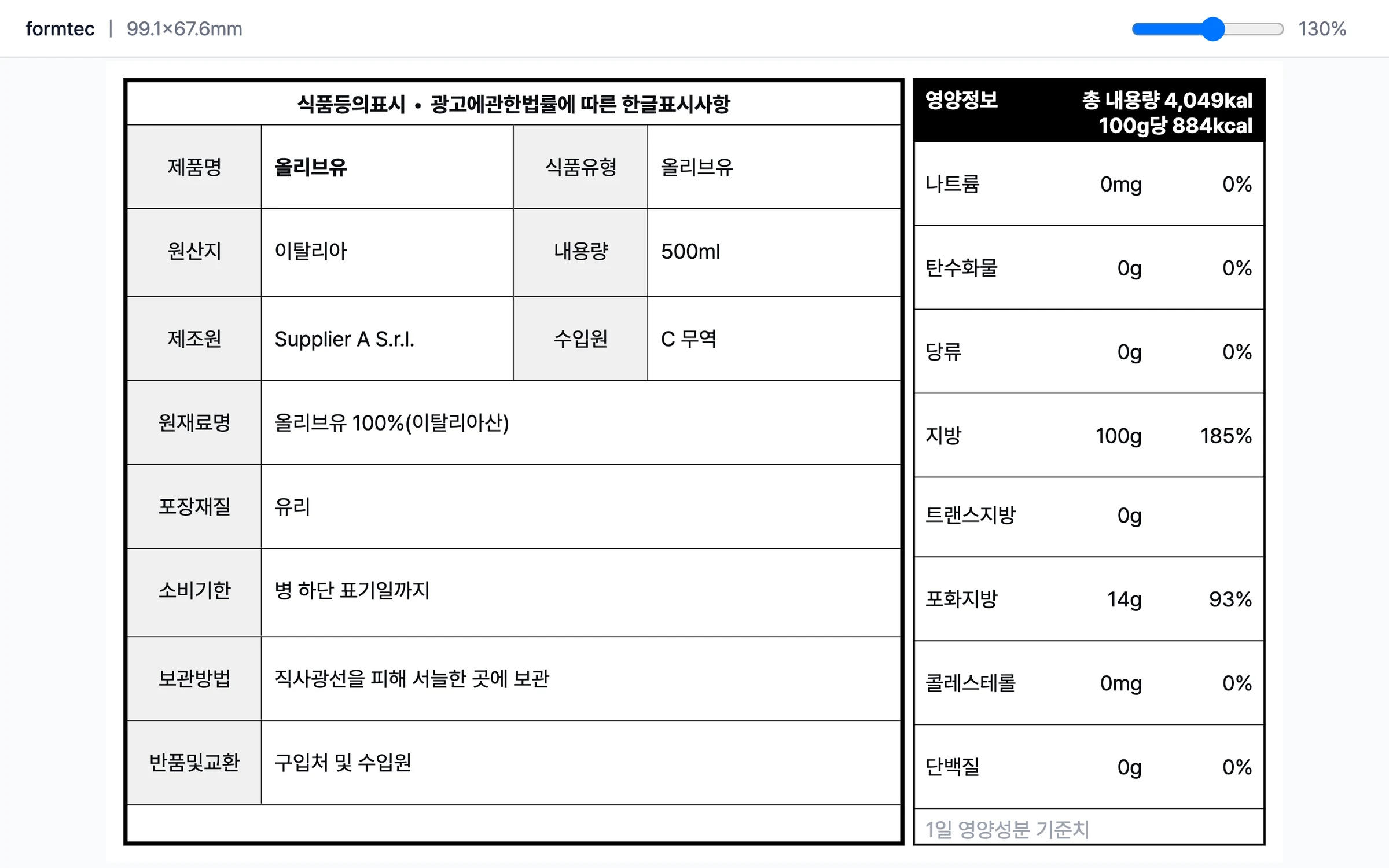
You find someone to make the label, send product documents and wait for a draft.
You recheck nutrition, allergen and recycling marks on every revision.
You ask for a new layout and wait for a revision whenever the label stock changes.
The Korean label is outsourced, so every change means trading files again.
No trading files with an outside designer — make and edit Korean labels in WeDealize.
What the product specification says fills the Korean label fields.
Nutrition facts and allergen and recycling marks appear together on the Korean label.
The Korean label is laid out cell by cell to the label stock you select.
Skip copying fields one by one — start the label draft from what the product specification says.
No looking up formats separately — put the marks you need on one label.
Select the label stock first and get a label that fits it, without asking for a new layout.
More you can do
If required fields are empty, the count is shown, and it switches to review complete once all are filled.
If the product must be kept frozen, add the frozen product notice to the storage field so it appears on the label.
If you repack imported products for sale, add the repacker to the manufacturer or importer field and show it on the label.
If you import products that differ only in volume, copy an existing label and edit just the fields that change.
Connected services
Traders who import food and ingredients to sell in Korea. You make the Korean labels attached to imported food and keep them in one list.
Upload a product document that lists the label details, such as a product specification. Files must be 10MB or smaller, and you can check and edit the filled fields before saving.
You can make labels for processed food today. For products stored frozen, add the frozen product notice to the storage field.
Plugins are turned on per workspace. Once on, Hangul Label appears in the WeDealize menu for members of that workspace.
Get the brochure or request a consultation.